
Implementing Radial Motion Blur with Python OpenCV: A Complete Guide (2026)
Discover how to create radial motion blur effects in your images using Python and OpenCV. This guide provides step-by-step instructions to achieve dynamic visual effects.

Implementing Radial Motion Blur with Python OpenCV: A Complete Guide (2026)
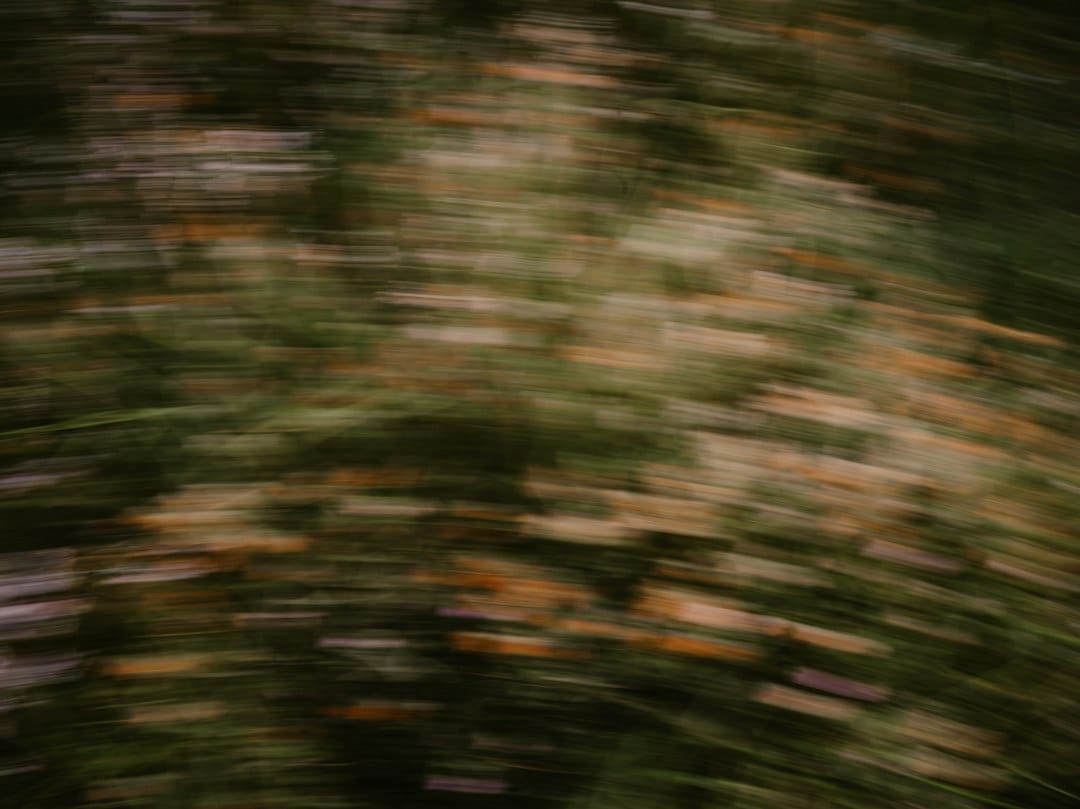
Radial motion blur is a visual effect that gives the impression of an image spinning around a central point or moving in a circular pattern. This effect is commonly used in graphic design and photography to create a sense of motion and dynamism. In this tutorial, we'll explore how to implement radial motion blur using Python and OpenCV, a powerful computer vision library.
Key Takeaways
- Learn the basics of radial motion blur and its applications.
- Understand how to set up your Python environment with OpenCV.
- Implement radial motion blur using custom kernels.
- Troubleshoot common issues encountered during implementation.
Introduction
Radial motion blur is an intriguing effect that can add a dramatic flair to your images by simulating circular motion. Unlike linear motion blur, which is relatively straightforward, radial motion blur requires a more complex understanding of image processing techniques. This guide will walk you through the steps to create this effect from scratch using Python and OpenCV.
By the end of this tutorial, you'll have a solid grasp of how radial motion blur works and how you can apply it to your own projects. This skill is particularly useful for photographers, graphic designers, and anyone interested in digital image processing.
Prerequisites
Before we dive in, make sure you have the following prerequisites:
- Basic understanding of Python programming.
- OpenCV installed in your Python environment (version 4.5.0 or later recommended).
- Familiarity with numpy for numerical operations.
- An image processing IDE or Jupyter Notebook for running the code examples.
Step 1: Install Dependencies
To begin, ensure you have the necessary Python packages installed. You can do this using pip:
pip install opencv-python numpyThese packages are essential for handling image processing and numerical calculations.
Step 2: Load Your Image
Start by loading the image you want to apply the radial motion blur effect to. You can use OpenCV's cv2.imread() function:
import cv2
import numpy as np

# Load image
def load_image(path):
    image = cv2.imread(path)
    if image is None:
        raise ValueError("Image not found or invalid format")
    return image
Ensure the image path is correct and the image is in a readable format.
Step 3: Create a Radial Blur Function
Next, you'll need to create a function that applies the radial motion blur effect. This involves calculating a series of transformations that simulate circular motion.
def apply_radial_blur(image, center=None, strength=10):
    h, w = image.shape[:2]
    if center is None:
        center = (w // 2, h // 2)
    blurred_image = np.zeros_like(image)

    for i in range(strength):
        # Rotate the image slightly
        M = cv2.getRotationMatrix2D(center, i * (360 / strength), 1)
        rotated = cv2.warpAffine(image, M, (w, h))
        blurred_image = cv2.addWeighted(blurred_image, (i / strength), rotated, (1 - i / strength), 0)

    return blurred_image
This function rotates the image around a center point multiple times, blending the results to create the blur effect.
Step 4: Apply the Radial Blur
With your function ready, apply it to your image:
image = load_image('path/to/your/image.jpg')
radial_blurred_image = apply_radial_blur(image, strength=20)

# Display the result
cv2.imshow('Radial Motion Blur', radial_blurred_image)
cv2.waitKey(0)
cv2.destroyAllWindows()
Adjust the strength parameter to increase or decrease the blur intensity.
Common Errors/Troubleshooting
While implementing radial motion blur, you might encounter some common issues:
- Image Not Found: Ensure the image path is correct and the file exists.
- Distorted Output: Double-check the rotation matrix calculations and ensure the image dimensions are consistent.
- Performance Issues: Higher blur strength values increase processing time. Optimize by adjusting the strength or using smaller image sizes.
Frequently Asked Questions
What is radial motion blur?
Radial motion blur is a visual effect that simulates circular motion in an image, creating a dynamic and spinning appearance.
Can I use OpenCV for advanced motion blur effects?
Yes, OpenCV is highly versatile and can be used to implement various motion blur effects, including radial motion blur.
How do I improve the performance of my radial blur implementation?
Consider reducing the image size or the blur strength to enhance processing speed.
Frequently Asked Questions
What is radial motion blur?
Radial motion blur is a visual effect that simulates circular motion in an image, creating a dynamic and spinning appearance.
Can I use OpenCV for advanced motion blur effects?
Yes, OpenCV is highly versatile and can be used to implement various motion blur effects, including radial motion blur.
How do I improve the performance of my radial blur implementation?
Consider reducing the image size or the blur strength to enhance processing speed.