
Open-Pencil vs Figma: Which Design Editor to Choose in 2026?
Discover whether Open-Pencil or Figma is the right design editor for you in 2026. Compare features, pricing, and more to make an informed decision.

Open-Pencil vs Figma: Which Design Editor to Choose in 2026?
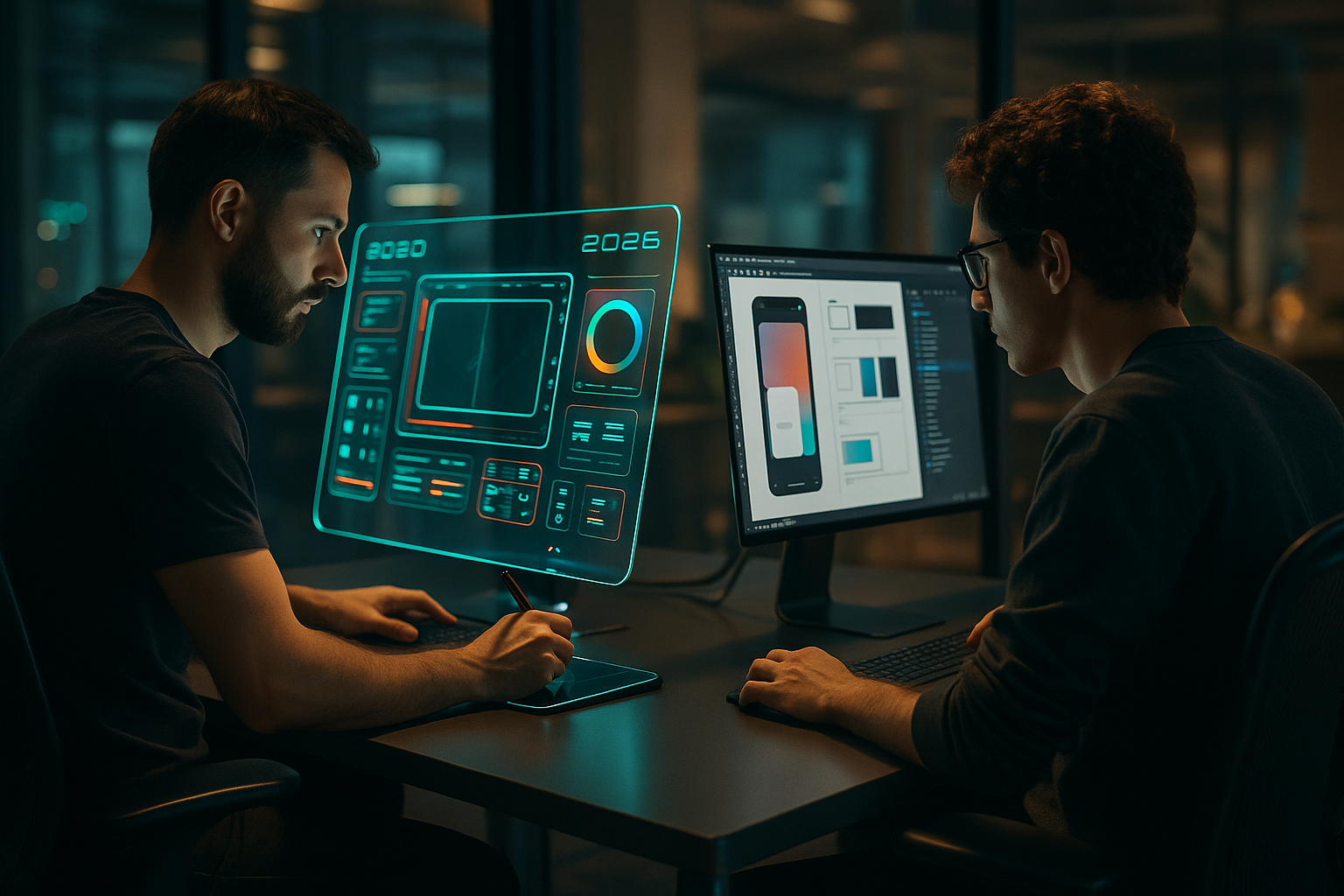
In the rapidly evolving world of design tools, choosing the right editor is crucial for maximizing productivity and creativity. As of 2026, designers and developers are increasingly looking towards AI-native solutions that offer more than just traditional design capabilities. Open-Pencil, an emerging open-source alternative to Figma, is gaining traction, particularly among those who value the adaptability and transparency of open-source software. But how does it stack up against the well-established Figma?
This comparison aims to provide a thorough analysis of Open-Pencil and Figma, helping you decide which tool aligns best with your needs. We will delve into their strengths, weaknesses, pricing, and use cases, along with providing practical code examples to highlight their differences. Whether you're a seasoned designer or a startup looking for the best tools to kickstart your projects, this guide will offer valuable insights.
| Feature | Open-Pencil | Figma |
|---|---|---|
| Open Source | Yes | No |
| AI-Native | Yes | No |
| Community Size | 548 stars | 200,000+ stars |
| Pricing | Free | Subscription-based |
| Collaboration | Basic | Advanced |
Open-Pencil
Open-Pencil is an open-source design editor that integrates AI capabilities to enhance design processes. It is particularly appealing to developers who prefer open-source solutions that allow for customization and community-driven improvements.
Strengths
- AI-Native: Incorporates AI to automate repetitive tasks and suggest design improvements.
- Open Source: Allows for extensive customization and transparency.
- Free: No cost for usage, making it accessible for startups and individual designers.
Weaknesses
- Community Size: Smaller community compared to Figma, which may affect the availability of plugins and support.
- Collaboration Features: Basic collaboration capabilities that might not meet the needs of larger teams.
Best Use Cases
Open-Pencil is ideal for developers and designers who are comfortable with open-source tools and require AI features to streamline their design workflow. It's also suitable for small teams or individuals who need a cost-effective solution.
Pricing
Open-Pencil is completely free, as it is open-source. This makes it an attractive option for those with budget constraints.
Code Example
// Example of initiating a design project with Open-Pencil
import { Project } from 'open-pencil';

const project = new Project('New Design');
project.addAIComponent('LayoutOptimizer');
project.start();
Figma
Figma is a widely-used design tool known for its robust collaboration features and comprehensive design capabilities. It has become a staple in many design teams thanks to its user-friendly interface and powerful functionalities.
Strengths
- Collaboration: Offers advanced real-time collaboration features.
- Large Community: Extensive community support and a wide range of plugins.
- Cross-Platform: Seamlessly works across different operating systems.
Weaknesses
- Cost: Subscription-based pricing can be expensive for individuals or small teams.
- Lack of AI Features: Does not natively support AI-driven design enhancements.
Best Use Cases
Figma is best suited for medium to large teams that require strong collaboration features. It's also ideal for projects where community support and a broad plugin ecosystem are essential.
Pricing
Figma operates on a subscription model, with pricing starting from $12 per editor per month for professional teams.
Code Example
// Example of initiating a design project with Figma
const figmaProject = new FigmaProject('New Design');
figmaProject.addPlugin('AutoLayout');
figmaProject.start();
When to Choose Open-Pencil
Open-Pencil is the right choice if you are looking for a cost-effective, open-source solution with AI capabilities. It is particularly beneficial for small teams or individual designers who want to leverage AI to improve their design processes without incurring subscription costs.
Final Verdict
Ultimately, the choice between Open-Pencil and Figma depends on your specific needs and budget. If you prioritize AI features and prefer open-source software, Open-Pencil is an excellent option. However, if you need advanced collaboration tools and have the budget for a subscription, Figma remains a robust choice with a vast community and plugin support. Consider your team's size, design requirements, and budget when making your decision.
Frequently Asked Questions
Is Open-Pencil completely free to use?
Yes, Open-Pencil is an open-source tool and is completely free to use.
Does Figma offer AI features in 2026?
No, Figma does not natively include AI features; it focuses on collaboration and design tools.
Can I use Open-Pencil for team collaboration?
While Open-Pencil offers basic collaboration features, it may not be as advanced as Figma's capabilities.