
Open Codesign vs Claude Design: Which Tool to Choose in 2026?
Explore the differences between Open Codesign and Claude Design in 2026. Discover which design tool fits your needs best with our in-depth comparison.

Open Codesign vs Claude Design: Which Tool to Choose in 2026?
In the world of digital design and prototyping, having the right tools can make a significant difference in productivity and creativity. With the rise of AI-assisted design platforms, developers and designers have more options than ever. Open Codesign has emerged as a popular open-source alternative to Claude Design, offering multi-model support and local-first operations. This comparison aims to help you decide which tool is better suited for your needs in 2026.
Key Takeaways
- Open Codesign is open-source and highly flexible, ideal for developers seeking customizable solutions.
- Claude Design offers a more polished, user-friendly interface, suitable for quick prototyping.
- Both tools support multiple AI models, but Open Codesign's local-first approach offers better privacy control.
- Pricing for Claude Design can be a factor for budget-conscious teams, whereas Open Codesign is free.
As AI continues to integrate into design workflows, tools like Open Codesign and Claude Design provide unique opportunities to enhance productivity. Open Codesign, with its open-source nature and flexibility, appeals to developers who value customization. Claude Design, on the other hand, is known for its intuitive interface and ease of use, making it a favorite for designers who need a quick, efficient tool for prototyping.
Choosing between these tools can be challenging, as both have their strengths and weaknesses. This guide will explore key differences, strengths, weaknesses, and use cases to provide a clear recommendation based on your specific needs.
| Feature | Open Codesign | Claude Design |
|---|---|---|
| License | MIT | Proprietary |
| Model Support | Claude, GPT, Gemini, Kimi, GLM, Ollama | Claude, Codex |
| Price | Free | Subscription-based |
| Customization | High | Medium |
| Interface | Developer-centric | User-friendly |
Open Codesign
Open Codesign is a versatile, open-source application that supports a wide range of AI models, including Claude, GPT, Gemini, and more. It allows users to import API keys easily and supports multiple outputs like prototypes, slides, and PDFs. Its local-first approach ensures that users maintain control over their data, which is a significant advantage for privacy-sensitive projects.
Strengths
- Open-source with MIT license, allowing extensive customization.
- Supports multiple AI models, offering flexibility in design workflows.
- Local-first operation enhances privacy and data control.
- Free to use, making it accessible for all developers and teams.
Weaknesses
- Less polished than commercial alternatives; can require more setup time.
- Developer-centric, which might not be ideal for non-technical users.
Best Use Cases
- Projects that demand high customization and flexibility.
- Teams prioritizing privacy and data control.
- Developers who prefer an open-source environment.
Pricing
Open Codesign is completely free under the MIT license, making it an ideal choice for budget-conscious developers and organizations.
Code Example
const openCodesign = require('open-codesign');
const prototype = openCodesign.generatePrototype({
    prompt: 'Create a landing page prototype',
    model: 'GPT-4',
    output: 'PDF'
});
console.log(prototype);
Claude Design
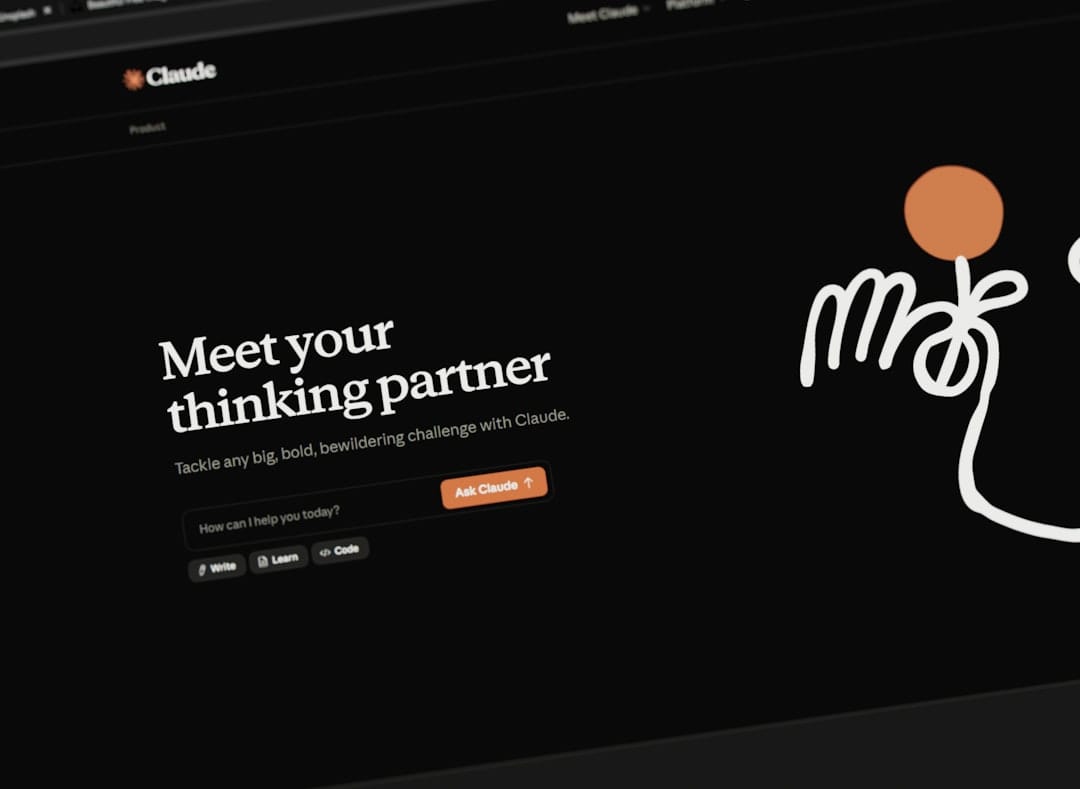
Claude Design is a proprietary tool that offers a user-friendly environment for rapid prototyping and design. It is designed to be intuitive, making it accessible for users with varying levels of technical expertise. Claude Design supports Claude and Codex models, providing robust capabilities for generating design outputs efficiently.
Strengths
- Highly user-friendly, requiring minimal technical knowledge to use.
- Efficient for rapid prototyping and design tasks.
- Supports integration with widely used AI models like Codex.
Weaknesses
- Subscription-based, which can be costly over time.
- Less customizable than open-source alternatives.
Best Use Cases
- Designers who need a straightforward tool for quick prototyping.
- Teams that value ease of use over extensive customization.
- Projects with a budget for subscription services.
Pricing
Claude Design operates on a subscription model, which can vary based on the number of users and specific features required.
Code Example
import { ClaudeDesign } from 'claude-design';
const project = new ClaudeDesign();
project.createPrototype('Create a landing page prototype', 'Codex');
project.exportTo('PDF');
When to Choose Open Codesign
Open Codesign is ideal if you are a developer looking for an open-source solution that offers flexibility and multiple AI model support. It is particularly suitable for projects where privacy is a concern and for teams that can manage a more technical setup process.
When to Choose Claude Design
If you are a designer or part of a team that values ease of use and requires a tool for quick prototyping, Claude Design is a strong contender. Its user-friendly interface and efficient workflow make it an attractive option for those willing to invest in a subscription model.
Final Verdict
Both Open Codesign and Claude Design offer compelling features for different user needs. If your priority is flexibility, open-source access, and privacy, Open Codesign is the recommended choice. However, if you need a tool that is quick to learn and easy to use, and you have the budget for it, Claude Design may be more suitable.
Frequently Asked Questions
Is Open Codesign completely free?
Yes, Open Codesign is open-source and free under the MIT license, making it a cost-effective option for developers.
What AI models does Claude Design support?
Claude Design supports Claude and Codex models, offering robust capabilities for design generation.
Can non-technical users work with Open Codesign?
While Open Codesign is more developer-centric, non-technical users can use it with some initial setup and learning.