
Modify Enemy Class to Chase Player in JS Game: A 2026 Guide
Learn to modify an enemy class in JavaScript to chase the player, enhancing game AI for a more immersive experience.

Modify Enemy Class to Chase Player in JS Game: A 2026 Guide
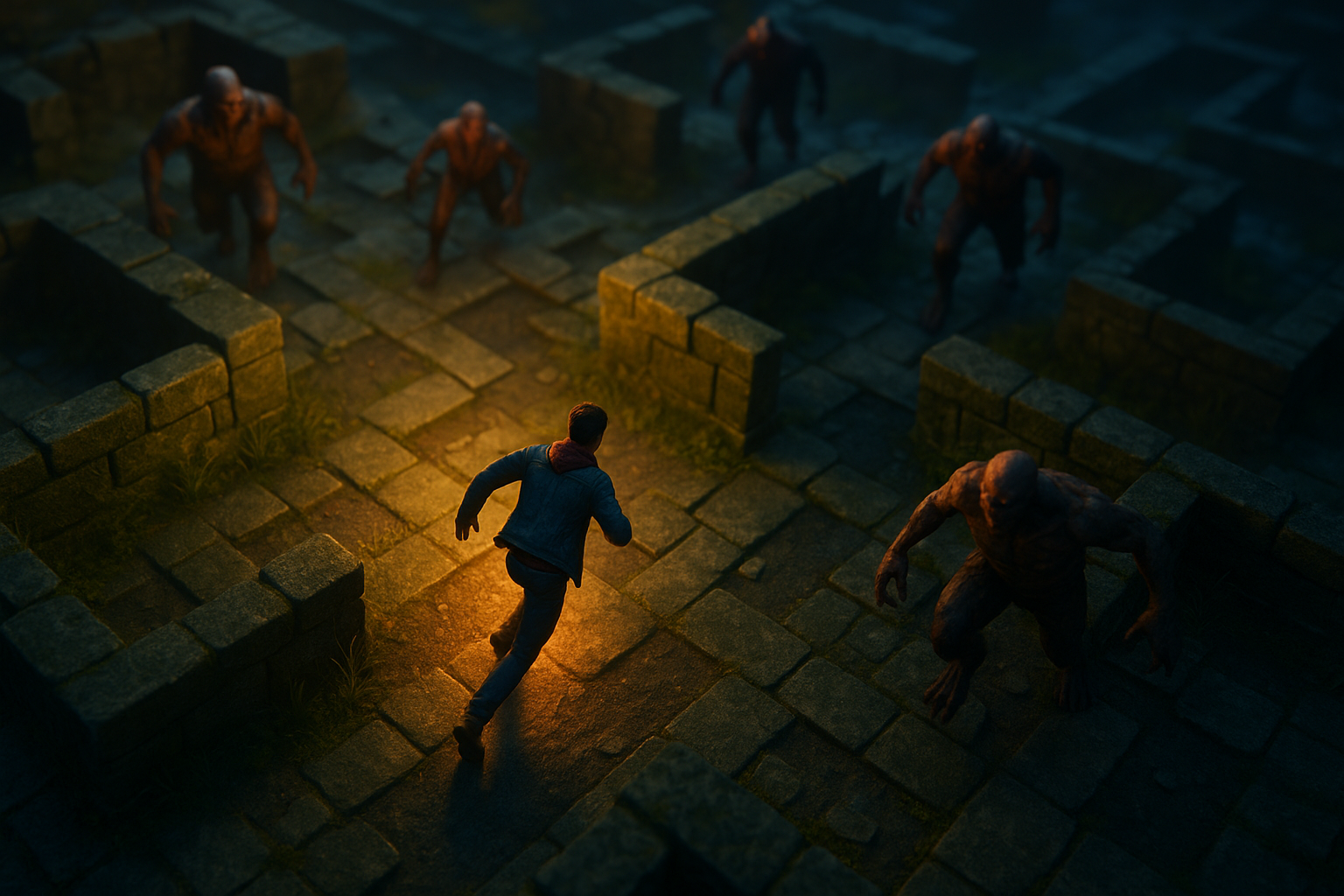
In this tutorial, you'll learn how to modify an enemy class in a JavaScript game to chase the player. This is a crucial aspect of game development, particularly for top-down games where dynamic interaction enhances the gaming experience. We'll guide you step-by-step, ensuring you understand not just the how, but the why behind each step, leveraging object-oriented programming in JavaScript.
In a top-down game, enemy AI must be programmed to track and follow the player, making the game more challenging and engaging. By the end of this tutorial, you’ll have a working enemy class that moves towards the player, enhancing your game's realism and difficulty.
Prerequisites
- Basic understanding of HTML, CSS, and JavaScript.
- Familiarity with object-oriented programming concepts.
- A simple game framework set up with player and enemy classes (refer to the FreeCodeCamp tutorial for initial setup).
Step 1: Setting Up the Game Environment
1.1 Define the Player and Enemy Classes
To start, ensure you have basic classes defined for both the player and enemies. These classes should include properties for position and methods for movement.
class Player {
  constructor(x, y) {
    this.x = x;
    this.y = y;
  }
  move(dx, dy) {
    this.x += dx;
    this.y += dy;
  }
}

class Enemy {
  constructor(x, y) {
    this.x = x;
    this.y = y;
    this.speed = 1; // Movement speed of the enemy
  }
  chase(player) {
    // Calculate the direction vector
    const dx = player.x - this.x;
    const dy = player.y - this.y;
    const distance = Math.sqrt(dx * dx + dy * dy);

    // Normalize and apply speed
    this.x += (dx / distance) * this.speed;
    this.y += (dy / distance) * this.speed;
  }
}
In this setup, both the player and enemy have x and y coordinates. The enemy has a chase method, which calculates the direction to the player and moves towards them.
1.2 Initialize the Game
Initialize a simple game loop to update the positions and render the game objects:
const player = new Player(50, 50);
const enemy = new Enemy(100, 100);

function gameLoop() {
  // Example player movement
  player.move(Math.random() - 0.5, Math.random() - 0.5);

  // Enemy chases the player
  enemy.chase(player);

  // Render game state (placeholder function)
  renderGame(player, enemy);

  requestAnimationFrame(gameLoop);
}

gameLoop();
This loop continuously updates the player’s and enemy’s positions, simulating a basic chase scenario.
Step 2: Enhancing the Enemy AI
2.1 Adjusting Speed and Dynamics
To make your game more interesting, adjust the enemy's speed dynamically based on distance or game difficulty:
class Enemy {
  constructor(x, y, baseSpeed) {
    this.x = x;
    this.y = y;
    this.baseSpeed = baseSpeed;
  }
  chase(player) {
    const dx = player.x - this.x;
    const dy = player.y - this.y;
    const distance = Math.sqrt(dx * dx + dy * dy);
    const speed = this.baseSpeed + (100 / distance); // Speed increases as distance decreases

    this.x += (dx / distance) * speed;
    this.y += (dy / distance) * speed;
  }
}
By increasing speed as the enemy gets closer, you create a more dynamic and challenging game experience.
2.2 Implementing Avoidance Strategies
Enhance the AI by making enemies avoid obstacles or other game objects:
// Placeholder function for obstacle detection
function detectObstacle(x, y) {
  // Implement logic to check if the coordinates x, y hit an obstacle
  return false; // Assume no obstacle for simplicity
}

class Enemy {
  // ...existing code...
  chase(player) {
    // ...existing direction calculation...
    if (!detectObstacle(this.x + dx, this.y + dy)) {
      this.x += (dx / distance) * this.speed;
      this.y += (dy / distance) * this.speed;
    }
  }
}
This simple example checks for obstacles ahead and adjusts the enemy's path accordingly.
Common Errors/Troubleshooting
While implementing the enemy chase behavior, you might encounter some common issues:
- Enemy Jitters: If enemies appear jittery, ensure that your movement updates are smooth and consistent with the frame rate.
- Pathfinding Bugs: Incorrect pathfinding may result from improper direction calculation, so double-check your math for accuracy.
- Obstacle Detection: Ensure your obstacle detection logic is robust and accounts for various game scenarios.
Conclusion
By following these steps, you’ve successfully modified an enemy class to chase a player in a JavaScript game. This fundamental AI behavior enhances gameplay, making it more immersive and challenging. As you continue developing your game, consider adding more sophisticated AI techniques, such as pathfinding algorithms, to further improve your enemies’ behavior.
Frequently Asked Questions
How can I improve enemy AI in my game?
Enhance AI by integrating pathfinding algorithms like A* or Dijkstra, and adjust enemy speed dynamically based on distance to the player.
Why does my enemy AI jitter?
Jittering may occur due to inconsistent movement updates or frame rate issues. Ensure your game loop and rendering are optimized for smooth updates.
How do I prevent enemies from colliding with obstacles?
Implement obstacle detection logic within the enemy's movement function to adjust paths and avoid collisions dynamically.