
Find Missing PCB Components Using OpenCV Feature Matching (2026)
Discover how to detect missing components on PCBs using OpenCV's feature matching. This guide covers handling lighting and orientation challenges.

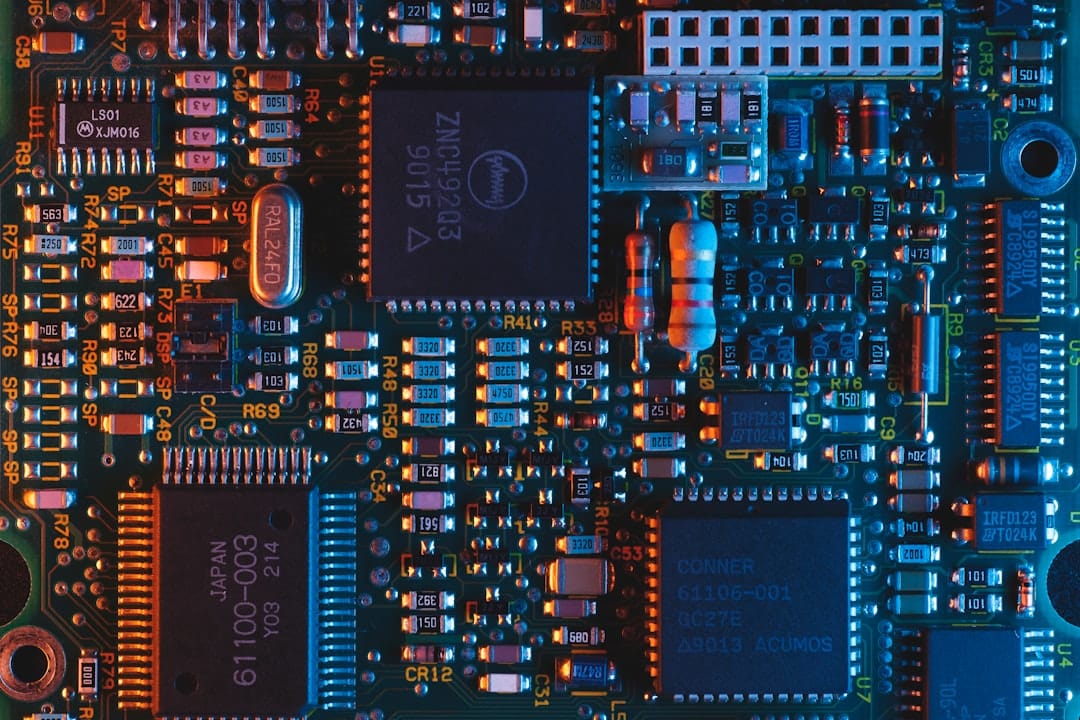
Find Missing PCB Components Using OpenCV Feature Matching (2026)
Printed Circuit Boards (PCBs) are critical in electronics, and ensuring their quality is paramount. Identifying missing components on a PCB can be challenging, especially with varying lighting conditions and image orientations. In this tutorial, we will explore how to use OpenCV's feature matching capabilities to detect missing components effectively.
Key Takeaways
- Learn how to use OpenCV for feature matching in Python to detect missing PCB components.
- Understand how to handle varying lighting conditions and image orientations.
- Gain insights into improving accuracy with keypoint detectors like SIFT or ORB.
- Explore common errors and troubleshooting tips for feature matching.
In this guide, you will learn how to leverage feature matching techniques with OpenCV in Python to find missing components on a PCB. This approach is particularly useful when image subtraction fails due to inconsistent lighting or misaligned images. By the end of this tutorial, you'll be equipped with the knowledge to handle complex image analysis tasks more effectively.
Prerequisites
- Basic knowledge of Python and OpenCV.
- OpenCV installed in your Python environment (version 4.5.0 or later recommended).
- An understanding of image processing concepts.
Step 1: Install OpenCV
Ensure you have OpenCV installed in your Python environment. You can install it using pip:
pip install opencv-python opencv-contrib-pythonStep 2: Load and Preprocess Images
Start by loading the images of the PCB with and without components. Preprocessing steps like resizing and conversion to grayscale can help standardize the input:
import cv2

# Load images
img1 = cv2.imread('./pcb_images/frame_51.png')  # Image with components
img2 = cv2.imread('./pcb_images/frame_52.png')  # Reference image

# Convert images to grayscale
img1_gray = cv2.cvtColor(img1, cv2.COLOR_BGR2GRAY)
img2_gray = cv2.cvtColor(img2, cv2.COLOR_BGR2GRAY)
Step 3: Detect Keypoints and Descriptors
OpenCV provides several algorithms for detecting keypoints and computing descriptors. SIFT (Scale-Invariant Feature Transform) is a robust choice:
# Initialize SIFT detector
sift = cv2.SIFT_create()

# Detect keypoints and compute descriptors
keypoints1, descriptors1 = sift.detectAndCompute(img1_gray, None)
keypoints2, descriptors2 = sift.detectAndCompute(img2_gray, None)
Step 4: Match Features
Use a feature matcher like BFMatcher to find correspondences between the two sets of descriptors:
# Initialize the Brute Force Matcher
bf = cv2.BFMatcher(cv2.NORM_L2, crossCheck=True)

# Match descriptors
matches = bf.match(descriptors1, descriptors2)

# Sort matches by distance
matches = sorted(matches, key=lambda x: x.distance)
Step 5: Draw Matches and Analyze
Visualize the matches to understand the alignment and identify missing components:
# Draw matches
img_matches = cv2.drawMatches(img1, keypoints1, img2, keypoints2, matches[:50], None, flags=cv2.DrawMatchesFlags_NOT_DRAW_SINGLE_POINTS)

# Display the matches
cv2.imshow("Matches", img_matches)
cv2.waitKey(0)
cv2.destroyAllWindows()
Step 6: Identify Missing Components
Analyze the matches to detect regions where components are missing. You can infer missing components by examining unmatched keypoints or by checking for significant gaps between matched points.
Common Errors/Troubleshooting
- Feature Mismatch: Ensure that images are clear and well-lit. Blurry or low-resolution images can lead to poor keypoint detection.
- Orientation Issues: Use image rotation or affine transformations to align images for better matching.
- Descriptor Type Mismatch: Ensure compatible types of descriptors are used if switching keypoint detectors.
Frequently Asked Questions
What is feature matching?
Feature matching is a technique in computer vision that involves finding corresponding points between two images based on detected features, like corners or edges.
Why use SIFT for feature detection?
SIFT is robust to scaling, rotation, and partial occlusion, making it ideal for detecting features in images with varying orientations.
How can I improve matching accuracy?
Improving lighting conditions, using high-resolution images, and refining preprocessing steps can enhance accuracy.
Frequently Asked Questions
What is feature matching?
Feature matching is a technique in computer vision that involves finding corresponding points between two images based on detected features, like corners or edges.
Why use SIFT for feature detection?
SIFT is robust to scaling, rotation, and partial occlusion, making it ideal for detecting features in images with varying orientations.
How can I improve matching accuracy?
Improving lighting conditions, using high-resolution images, and refining preprocessing steps can enhance accuracy.