
Detect Lines in an Image Using OpenCV: A Step-by-Step Guide (2026)
Learn to detect lines in images using Python and OpenCV with this step-by-step guide. Understand and implement the Hough Line Transform effectively.

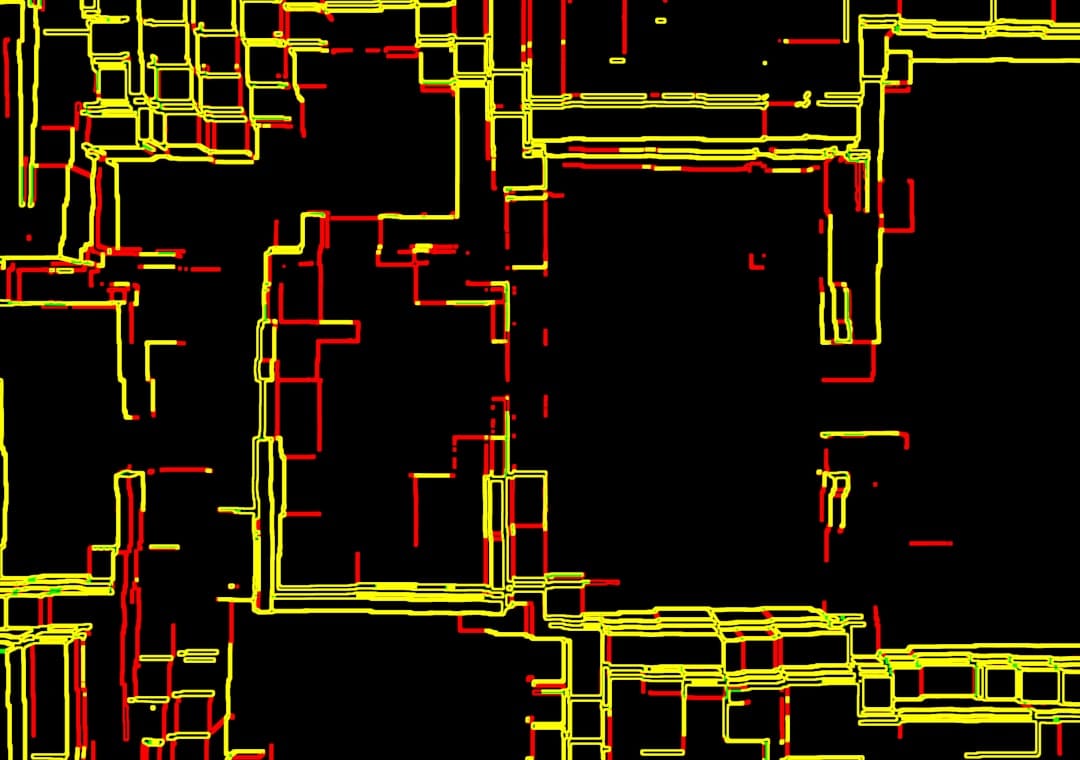
Detect Lines in an Image Using OpenCV: A Step-by-Step Guide (2026)
Detecting lines in images is a fundamental task in computer vision that can be applied in various domains such as robotics, automotive navigation, and image editing. In this tutorial, you will learn how to use Python and the OpenCV library to detect lines in an image. We will explore the Hough Line Transform, a popular technique for line detection, and provide example code to help you understand the process.
Key Takeaways
- Understand the basics of image processing and line detection.
- Learn how to use the Hough Line Transform in OpenCV.
- Implement a Python script to detect lines in images.
- Explore common errors and troubleshooting tips.
- Gain insights into optimizing line detection for varied applications.
With the advent of powerful libraries like OpenCV, line detection has become more accessible to developers and researchers. By understanding the underlying principles and leveraging OpenCV's capabilities, you can implement robust solutions for detecting prominent lines in digital images.
Prerequisites
- Basic understanding of Python programming.
- Familiarity with image processing concepts.
- Python 3.x installed on your system.
- OpenCV library installed (version 4.5.4 or later).
Step 1: Install OpenCV
First, ensure that you have OpenCV installed in your Python environment. You can install it using pip:
pip install opencv-pythonAdditionally, install numpy, which is a dependency for OpenCV:
pip install numpyStep 2: Load and Preprocess the Image
Begin by loading your image using OpenCV. Preprocessing steps like converting the image to grayscale and blurring are essential to reduce noise and improve line detection accuracy.
import cv2
import numpy as np

# Load the image
image = cv2.imread('path_to_your_image.jpg')

# Convert to grayscale
gray = cv2.cvtColor(image, cv2.COLOR_BGR2GRAY)

# Apply Gaussian blur to reduce noise
blurred = cv2.GaussianBlur(gray, (5, 5), 0)
Step 3: Detect Edges Using Canny Edge Detector
The Canny Edge Detector is a multi-stage algorithm that detects a wide range of edges in images. It is an essential step before applying the Hough Line Transform.
# Detect edges using Canny
edges = cv2.Canny(blurred, 50, 150)
Step 4: Apply Hough Line Transform
The Hough Line Transform is used to detect lines in an image. It works by transforming points in the image to a parameter space and detecting lines based on the accumulation of points.
# Detect lines using Hough Line Transform
lines = cv2.HoughLinesP(edges, 1, np.pi / 180, threshold=100, minLineLength=50, maxLineGap=10)
Here, we use the probabilistic Hough Line Transform (HoughLinesP), which is more efficient for this task.
Step 5: Draw Detected Lines
Once the lines are detected, you can draw them on the original image to visualize the results.
# Draw lines on the image
if lines is not None:
    for line in lines:
        x1, y1, x2, y2 = line[0]
        cv2.line(image, (x1, y1), (x2, y2), (0, 255, 0), 2)

# Display the result
cv2.imshow('Detected Lines', image)
cv2.waitKey(0)
cv2.destroyAllWindows()
Common Errors/Troubleshooting
When implementing line detection, you might encounter several issues:
- Incorrect Thresholds: Adjust the thresholds for the Canny Edge Detector and the Hough Line Transform to improve detection accuracy.
- Noise in Images: Ensure that your images are preprocessed adequately to reduce noise, which can affect line detection.
- Lines Not Detected: Check the parameters for minLineLength and maxLineGap in the Hough Line Transform.
Conclusion
By following this tutorial, you have learned how to detect lines in an image using OpenCV and Python. The Hough Line Transform is a powerful tool for line detection, which can be fine-tuned with various parameters to suit specific applications. As you gain more experience, consider exploring advanced techniques like the Hough Circle Transform for detecting circular patterns in images.
Frequently Asked Questions
What is the Hough Line Transform?
The Hough Line Transform is a feature extraction technique used in image processing to detect lines by transforming image points to a parameter space.
How do you improve line detection accuracy?
Improve accuracy by adjusting thresholds in the Canny Edge Detector and Hough Line Transform, and by preprocessing images to reduce noise.
Why use OpenCV for line detection?
OpenCV provides efficient algorithms and functions for image processing, making it a popular choice for line detection tasks.
Frequently Asked Questions
What is the Hough Line Transform?
The Hough Line Transform is a feature extraction technique used in image processing to detect lines by transforming image points to a parameter space.
How do you improve line detection accuracy?
Improve accuracy by adjusting thresholds in the Canny Edge Detector and Hough Line Transform, and by preprocessing images to reduce noise.
Why use OpenCV for line detection?
OpenCV provides efficient algorithms and functions for image processing, making it a popular choice for line detection tasks.