
Avoid CI/CD Linkcheck Failures: Reference Stack Overflow Safely (2026)
Learn how to reference Stack Overflow safely in CI/CD pipelines without triggering bot detections, ensuring smooth deployment processes.

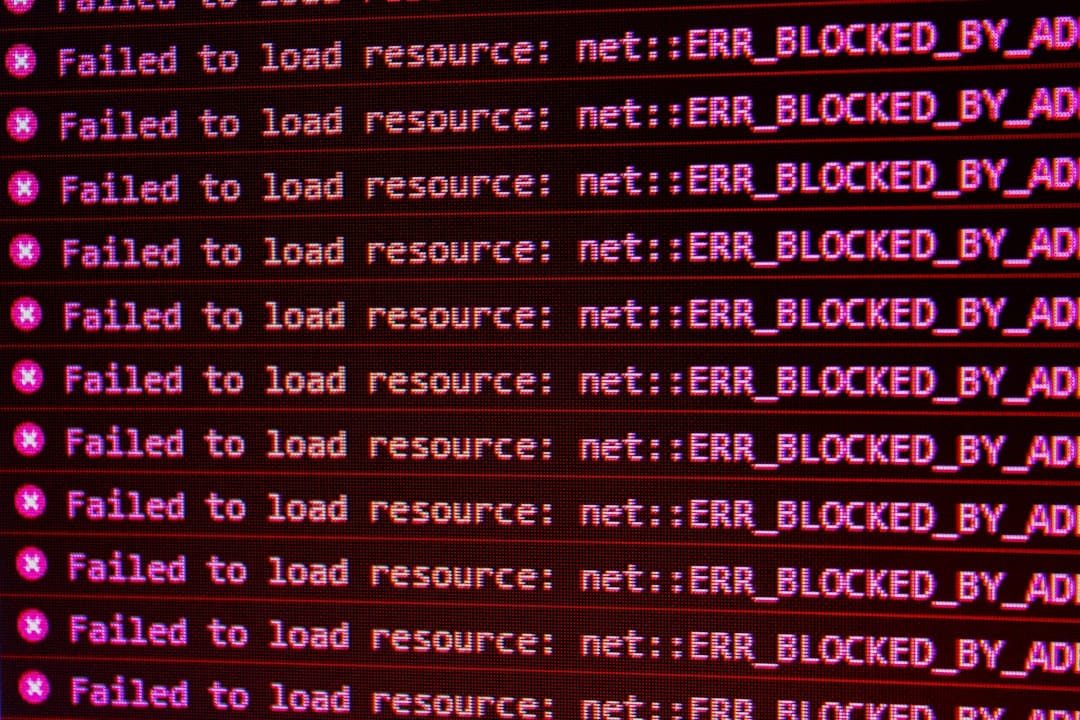
Avoid CI/CD Linkcheck Failures: Reference Stack Overflow Safely (2026)
In the world of continuous integration and continuous deployment (CI/CD), ensuring that your documentation remains up-to-date and error-free is crucial. One common task is verifying that all hyperlinks within documentation are valid, a process often automated using a link-checking tool like Sphinx's linkcheck. However, developers sometimes encounter a 403 error when their CI/CD pipeline attempts to validate links to Stack Overflow answers. This tutorial will guide you through safely referencing Stack Overflow without triggering bot detection.
Key Takeaways
- Understand why CI/CD pipelines might trigger bot detection on Stack Overflow.
- Learn methods to safely reference Stack Overflow links in documentation.
- Implement practical solutions to bypass 403 errors in linkchecks.
- Maintain robust documentation practices in your CI/CD workflow.
Introduction
When integrating external references from resources like Stack Overflow into your documentation, you may face challenges during link validation. These challenges often arise due to automated CI/CD processes triggering anti-bot mechanisms employed by Stack Overflow, leading to 403 Forbidden errors. Understanding the underlying issues and implementing effective strategies can help ensure smooth, uninterrupted deployments.
This tutorial elaborates on why these errors occur and how you can effectively handle them by employing user-agent modification, caching strategies, and alternative link-checking approaches. These solutions not only prevent CI/CD disruptions but also enhance the reliability of your documentation.
Prerequisites
- Basic understanding of CI/CD workflows and tools like Jenkins, GitHub Actions, or GitLab CI.
- Familiarity with Sphinx documentation generator and its linkcheck extension.
- Access to modify your CI/CD pipeline configuration files.
Step 1: Understand the Bot Detection Mechanism
Websites like Stack Overflow employ measures to prevent automated systems from overloading their servers. This includes detecting non-human activity by analyzing user-agent strings and request patterns. In CI/CD environments, requests often lack a typical browser user-agent string, triggering these defenses.
Here's a brief look at a standard user-agent string:
Mozilla/5.0 (Windows NT 10.0; Win64; x64) AppleWebKit/537.36 (KHTML, like Gecko) Chrome/58.0.3029.110 Safari/537.3In contrast, requests from CI/CD tools might use default or empty user-agent strings, hence the 403 error.
Step 2: Modify the User-Agent String
To mimic a typical browser request, modify the user-agent string in your link-checking tool configuration. This change makes requests appear as if they originate from a web browser, bypassing bot detection.
linkcheck:
  user_agent: "Mozilla/5.0 (Windows NT 10.0; Win64; x64) AppleWebKit/537.36 (KHTML, like Gecko) Chrome/58.0.3029.110 Safari/537.3"
By customizing the user-agent string, you ensure that your requests are perceived as legitimate traffic.
Step 3: Implement Caching Strategies
Repeated requests for the same URL can be minimized by implementing caching. Use tools like Varnish or configure your CI/CD system to cache results from previous successful linkchecks.
# Example for caching using Varnish
varnishadm "ban req.http.url ~ /stack-overflow-link"
With caching, you reduce the frequency of requests made to external sites, decreasing the chances of triggering anti-bot mechanisms.
Step 4: Configure Link Checking Timeouts and Retries
Adjust the timeout and retry settings in your link-checking configuration. Doing so helps manage transient network issues that may result in false negatives during link validation.
linkcheck:
  timeout: 10
  retries: 3
This step is crucial for creating a resilient workflow that withstands occasional network instability.
Common Errors/Troubleshooting
Even with these measures, you might still encounter issues. Here are some common problems and their solutions:
- 403 Errors Persist: Double-check your user-agent string configuration and ensure it's being correctly applied in all environments.
- Network Fluctuations: Increase timeout and retry counts further if your network is unstable.
- Cache Misconfiguration: Review cache settings and logs to ensure URLs are being correctly cached and retrieved.
Regularly updating your configurations and monitoring CI/CD logs will help maintain optimal performance.
Frequently Asked Questions
Why does Stack Overflow block my CI/CD linkcheck?
Stack Overflow uses bot detection to prevent automated scraping, which can be triggered by CI/CD tools lacking typical browser user-agents.
How can I prevent 403 errors when checking links?
Modify your linkcheck tool's user-agent string to mimic a browser and implement caching strategies to reduce request frequency.
What if errors persist despite changes?
Ensure your configurations are correctly applied, increase timeout/retry limits, and verify that caching is functioning properly.